The most expensive sound in a kitchen is silence.
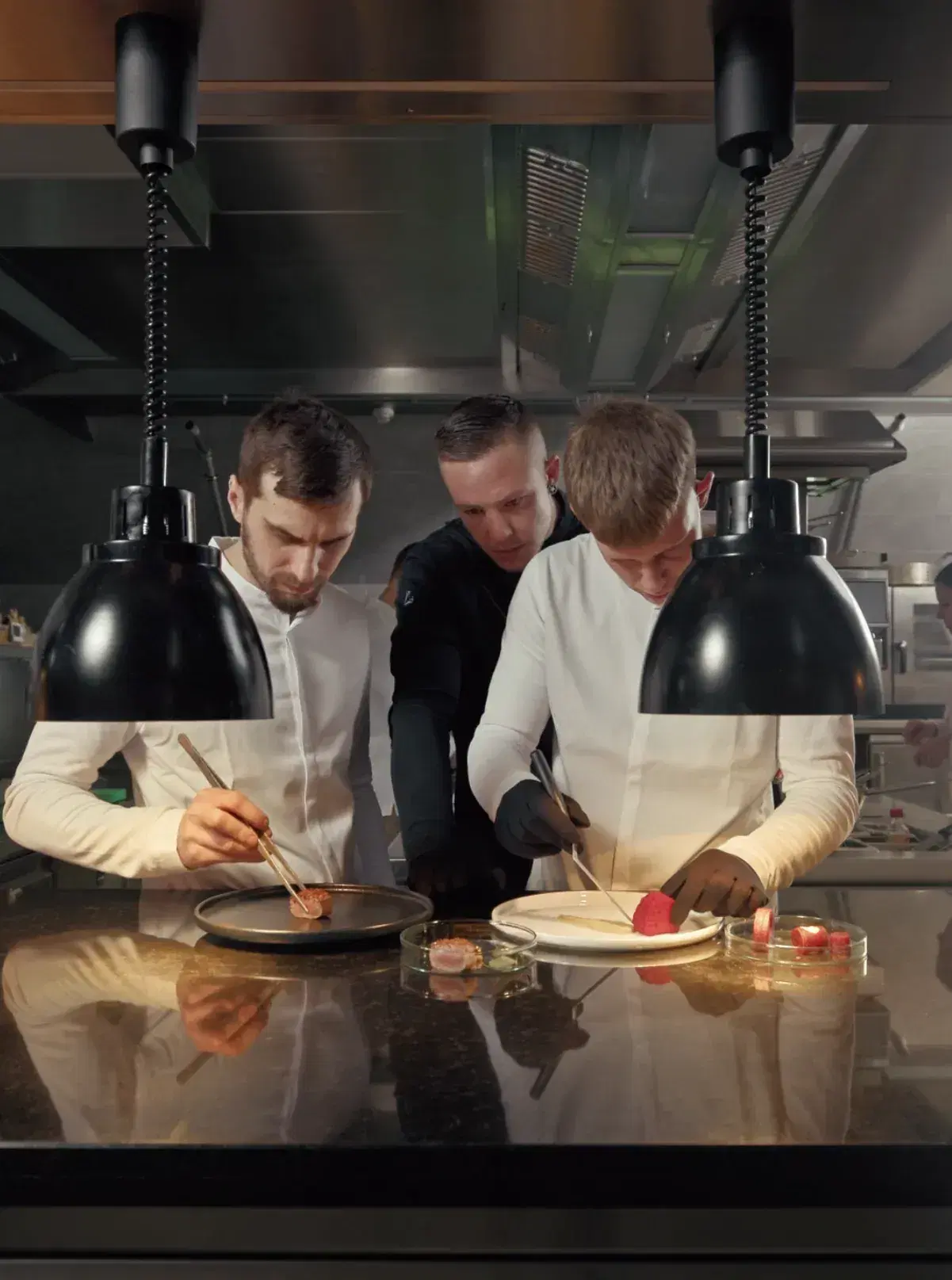
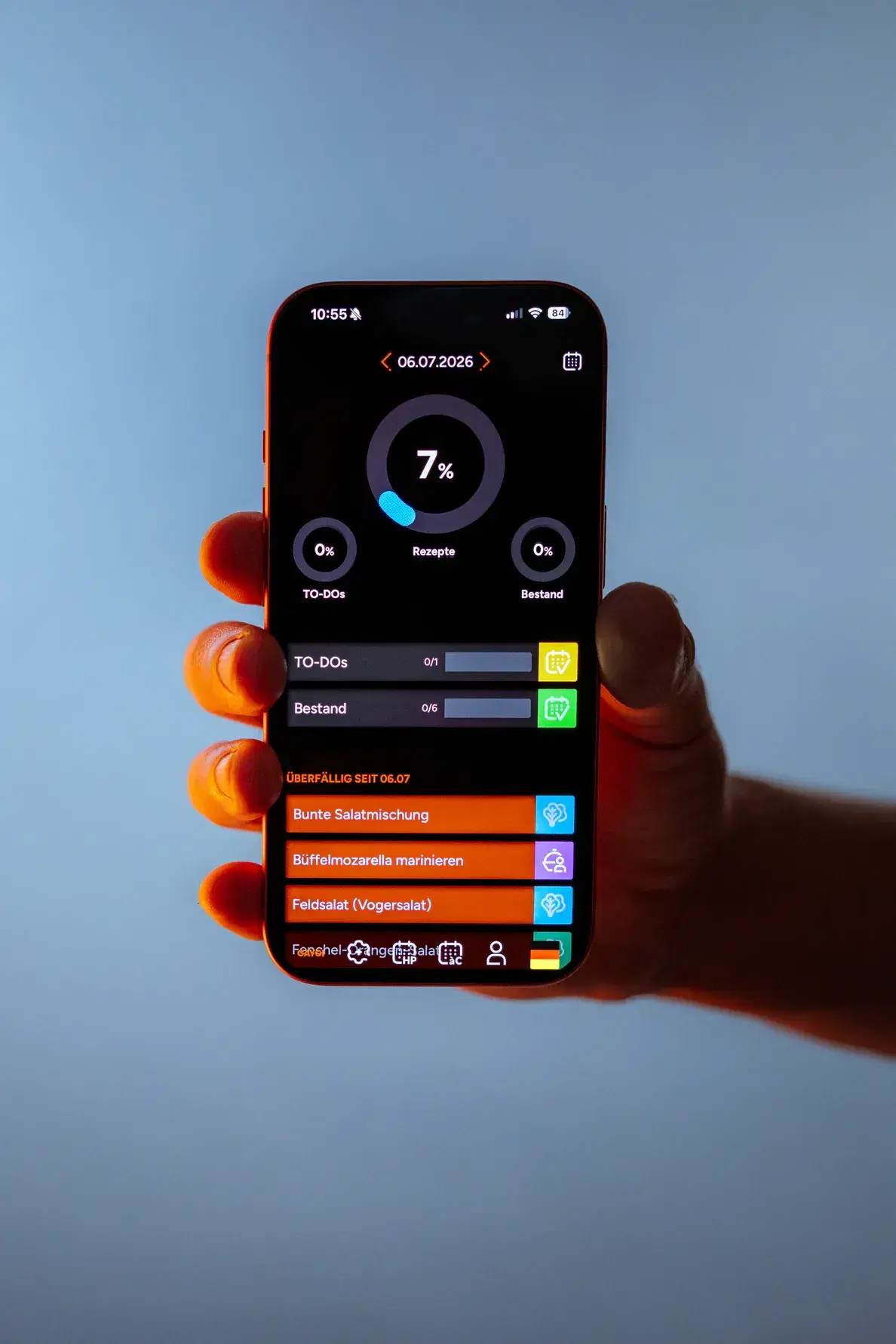
Supports your kitchen workflows
When everyone knows what to do, the kitchen runs.
In every kitchen, too much depends on too few people. The chef explains, fixes, fills in. One person calls in sick and things get tight — suddenly the whole evening hangs on a single pair of hands.
CAYCI turns that around. Knowledge lives where the work happens: with everyone on the team, in their own language. Every station knows what’s coming up, without you saying it ten times. Instructions, standards, routines — not in the chef’s head, but right where they’re needed.
Fewer notes. Less WhatsApp. Fewer questions at the pass. More clarity — for everyone.
Access for restaurant, head chef & team
Custom recipes, plans, information, dishes, menus, task assignments — all of that is my job. I’m a team player for management, head chefs and every single station. That’s why I work on desktops, laptops, tablets and phones.
Restaurant access
The restaurant has full access to CAYCI. All functions are available in this central working and management area:
- Planning of menus and dishes (half board and à la carte)
- Recording of all relevant recipe information (station, suppliers, minimum/target stock, prep time, descriptions, etc.)
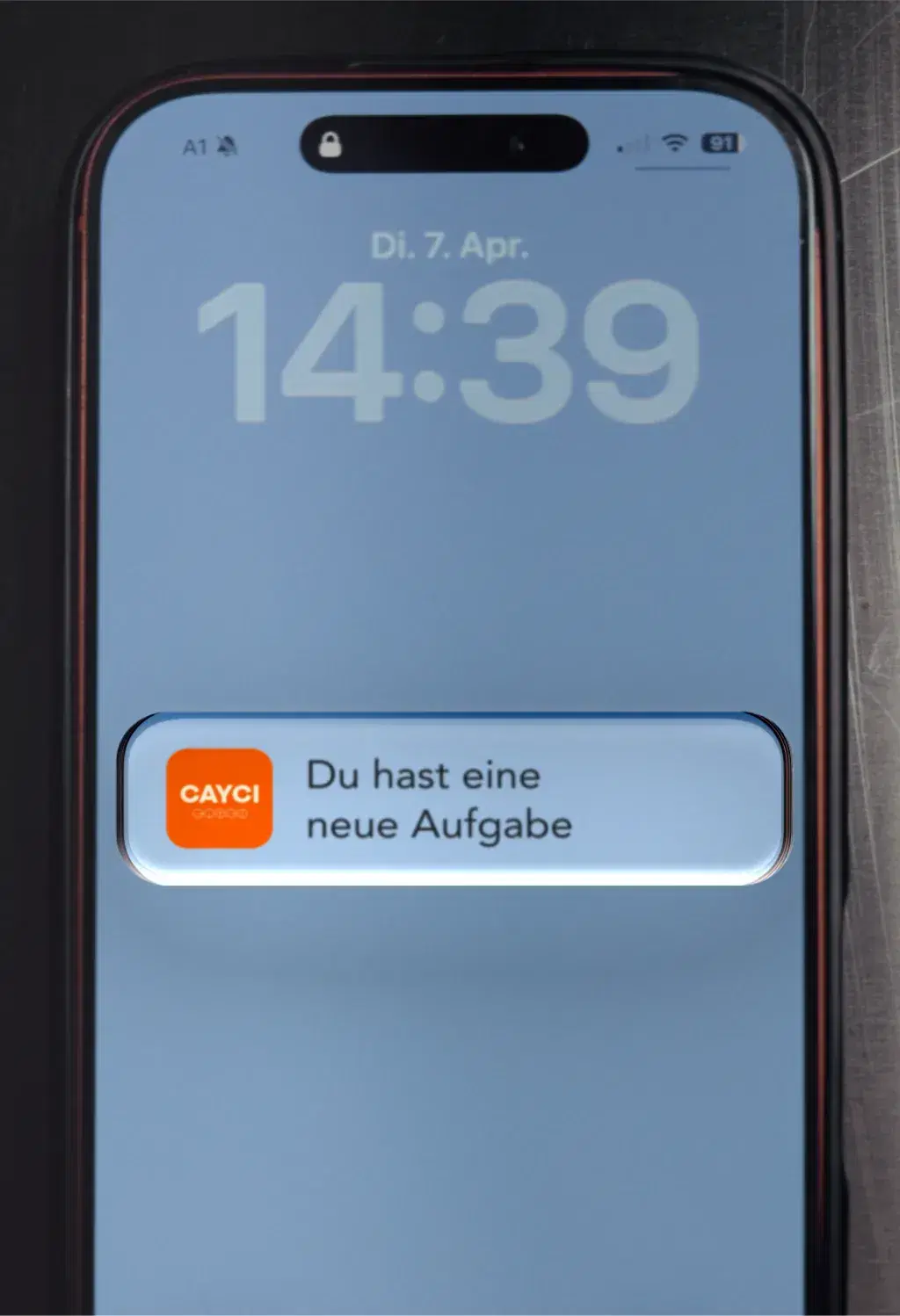
- Automatic task distribution to the stations as soon as dishes or menus are placed on the planners
- Additional planning of non-recipe tasks via the to-do plan
Head chef access
The head chef gets their own free access to CAYCI, primarily for managing their personal collection of recipes and dishes. Once invited by the restaurant, the head chef can work in the restaurant’s management area, with the option to:
- Import their own dishes into the restaurant system
- Take part in menu and task planning
Team members/stations
Team members at the individual stations automatically receive their tasks as soon as dishes or menus have been planned and assigned by management. This happens:
- Via the half-board planner, ideal for fully planned menus (e.g. staff meals, canteen, hotel half board)
- Via the à la carte planner, which supports pre-produced dishes with a defined base stock
Want more details?
Efficient. Digital. Stress-free.

When everyone knows what to do, the kitchen runs.
Quick answers.
How long does it take to get CAYCI up and running?
Setup usually takes about 14 days. Depending on the size of your business and your progress, it can be shorter or longer. It’s not the calendar that decides the next step — it’s your progress.
What does CAYCI cost?
Our pricing models. Flexible. Clear. Predictable. The right solution for every business — transparent and scalable.
Does it work in small kitchens too?
Yes. CAYCI adapts to your business, not the other way round. You use what you need: recipes, weekly planning, tasks at the station — whether there are three of you or 25. Small teams in particular depend heavily on individual people. When the knowledge lives in CAYCI instead of only in someone’s head, the kitchen keeps running even when someone is out.
Which languages are supported?
Work instructions are automatically translated with AI into each team member’s native language. You create your recipe once — your team reads it in the language they really understand. The language is set in the team member’s profile; CAYCI takes care of the rest.
What happens to our recipes and data?
Your recipes stay your recipes. Everything you create in CAYCI belongs to your business — and only your team has access to it. Your data is not passed on to third parties and not used for other businesses. If you leave CAYCI, you take your data with you.
News

The most expensive sound is silence: CAYCI decouples the kitchen from the labour market
The CAYCI platform promises what long seemed impossible: consistent kitchen quality, no matter who’s working the station.
Read now

What does CAYCI change for guests?
Peter Rohrmoser talks about it in the new founder video.
Watch the video